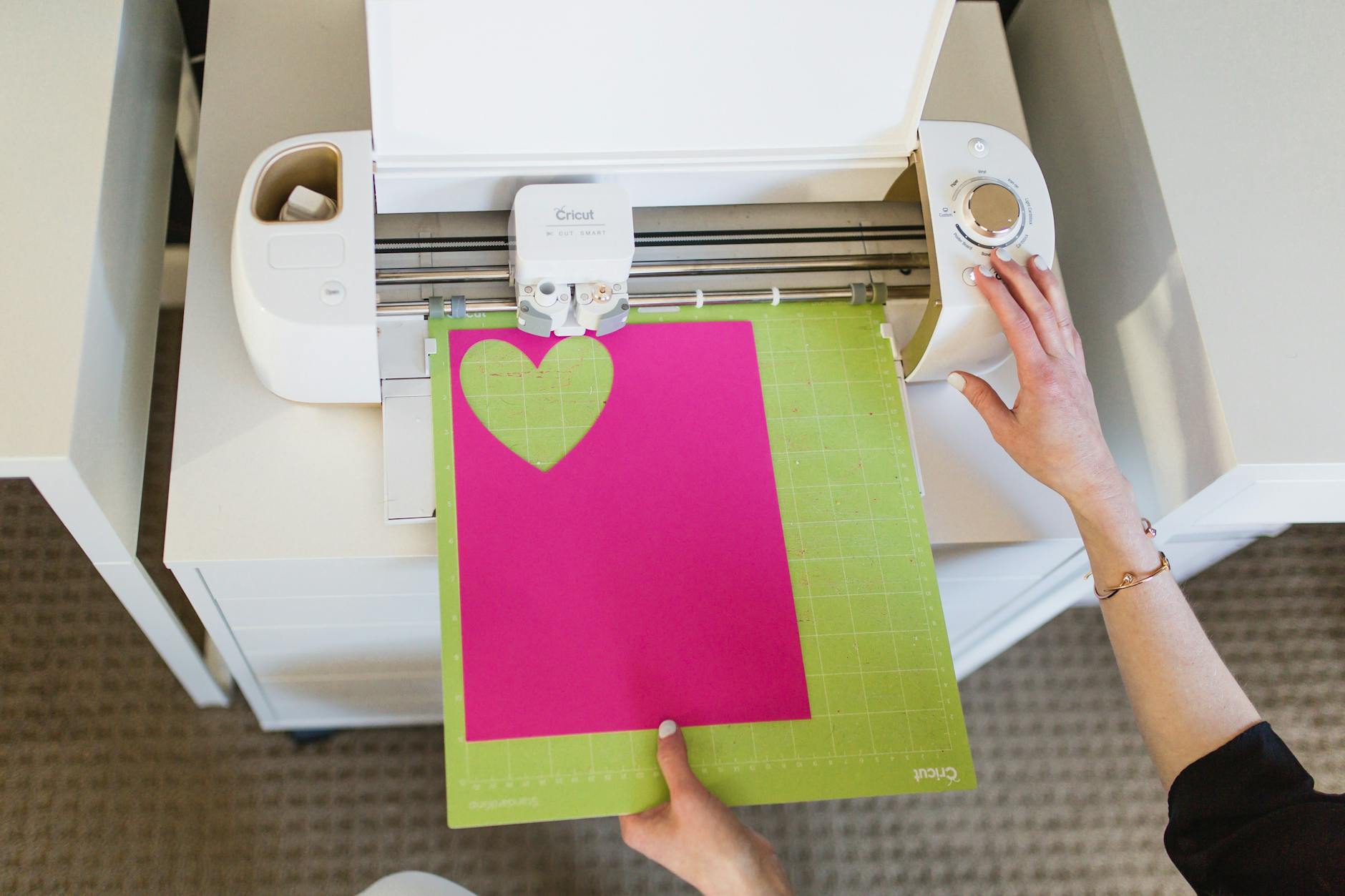
How to Download Free Cricut SVG Files for Craft Projects
Free Cricut SVG files provide versatile design options for a wide range of craft projects. Understanding how to properly download and use these files can enhance creativity and efficiency when working with Cricut machines.
- Free Cricut SVG files are widely available on reputable platforms offering diverse designs suitable for personal and commercial use.
- Downloading and importing SVG files into Cricut Design Space is a straightforward process that enables precise customization and cutting.
- Awareness of licensing terms and security practices is essential to ensure lawful and safe use of free SVG files.
- SVG file characteristics such as scalability, layering, and editability add significant value for crafters and small business owners.
Introduction to Free Cricut SVG Files
The availability of free Cricut SVG files benefits a diverse group of users, including hobby crafters, Etsy sellers, and professional designers. These files offer access to unique, customizable designs that can be adapted for various projects, from apparel decoration to home décor and event invitations. Utilizing free designs reduces costs associated with digital assets, empowering users to experiment and produce high-quality creations efficiently. This guide is intended to assist beginners and experienced users alike in navigating sources, downloading procedures, and best practices for working with SVG files optimized for Cricut cutting machines.
Understanding SVG Files and Their Use in Crafting
What are SVG Files?
SVG, or Scalable Vector Graphics, files are a type of digital image format that uses vectors to represent designs. Unlike raster images (e.g., PNG or JPEG), SVGs can be scaled to any size without loss of quality, making them ideal for cutting machines. SVG files support layers, paths, and shapes that can be edited and customized in design software, providing flexibility for various creative projects.
SVG Files for Cricut Machines
Cricut machines utilize SVG files to guide the cutting process with precision. By importing SVG designs into Cricut Design Space, users can adjust sizing, colors, and layers to match their project requirements. These files are compatible with different Cricut models and can be used on projects involving paper, vinyl, fabric, and other materials. The ability to easily import and modify SVG files distinguishes them as a preferred format for digital crafting.
Sources for Free Cricut SVG Files
A variety of reputable online platforms provide free Cricut SVG files, catering to different design preferences and commercial use needs. Some leading sources include:
- Design Bundles: This platform offers an extensive collection of free SVG designs with commercial licenses, suitable for Cricut and Silhouette machines. The selection spans themes such as seasonal decorations, apparel graphics, and party supplies.[1]
- Lovesvg: Provides over 12,000 free SVG files in multiple formats including PNG, EPS, and DXF, supporting diverse crafting projects. The site focuses on clean, easy-to-cut designs[2].
- Creative Fabrica: Home to more than 209,000 free SVGs with commercial usage rights, this site caters to designers seeking variety and high quality in their craft files.[3]
- Printable Cuttable Creatables: Offers a specialized collection of over 500 free SVG files designed specifically for cutting machines like Cricut and Silhouette, focusing on ease of use and compatibility.[4]
- FreeSVGDownload: Provides a broad assortment of free SVG designs tailored for do-it-yourself projects, compatible with Cricut cutting software.[5]
When selecting a source, it is advisable to verify the license terms and ensure the site’s credibility to avoid unauthorized or unsafe downloads.
How to Download Free SVG Designs for Cricut
The process of downloading free cricut svg files involves several straightforward steps:
- Access a trusted website: Visit a reliable platform such as Design Bundles or Lovesvg.
- Browse categories: Explore categories relevant to the intended craft project, such as t-shirts, household décor, or event themes.
- Select an SVG file: Review the design and confirm its compatibility with Cricut machines.
- Download the file: Most sites offer direct downloads without registration; if an account is required, a brief sign-up process is involved.
- Save the file: Store the SVG file in an accessible location on the device.
Following these steps enables efficient access to high-quality SVG files that enhance creative workflows.
Importing SVG Files into Cricut Design Space
To utilize downloaded SVG files for cutting, the files must be uploaded into Cricut Design Space. The procedure includes:
- Open Cricut Design Space: Launch the software associated with Cricut machines on the computer or tablet.
- Upload the SVG file: Navigate to the “Upload” section and select the saved SVG file for import.
- Prepare the design: Adjust the size, position, or layers as needed based on the project specifications.
- Configure material settings: Set the correct material type for the cutting process to ensure precision.
- Proceed to cut: Send the design to the Cricut machine for cutting according to the prepared layout.
This process maximizes the creative potential offered by the SVG format, enabling the production of polished, professional crafts.
Tips for Working with SVG Files
- Scalability: SVG files maintain crispness regardless of scaling, making them suitable for projects of varying sizes without quality degradation.
- Layer management: Utilize layered SVG files to create multi-material or multi-color projects, enhancing visual complexity.
- Customization: Editing SVG files in vector graphic software such as Adobe Illustrator or Affinity Designer offers control over elements and allows tailoring designs to specific needs.
- Compatibility: Confirm that SVG files are compatible with the Cricut software version to ensure seamless integration.
- File organization: Maintaining well-organized folders for SVGs aids in efficient project planning and reuse.
Licensing and Safety Considerations
Engaging with free Cricut SVG files involves attention to legal and security matters to avoid complications:
- Licensing terms: Carefully review the usage rights attached to each free SVG file. Although many allow commercial use, some may restrict it to personal projects. Compliance safeguards users when selling crafted products.
- Source credibility: Download files exclusively from reputable sites to minimize risks of malware or corrupted digital content.
- Attribution requirements: Some free SVG files necessitate crediting the creator. Meeting these requirements aligns with ethical usage practices.
- Storage security: Keep backups of downloaded files and scan for security threats to maintain digital safety.
Summary and Resources for Cricut Craft Files
Searching for reliable free Cricut SVG files opens numerous possibilities for creative and commercial craft projects. Trusted platforms like Design Bundles, Lovesvg, and Creative Fabrica provide extensive selections accompanied by clear licensing. By following the straightforward steps to download and import SVG files into Cricut Design Space, users can efficiently create diverse projects with professional results. Awareness of licensing and security is essential to maintain compliance and protect digital environments.
SVGVibe also offers a curated collection of free cricut svg files, tailored to meet the needs of crafters and small business owners seeking quality digital designs. Accessing such resources supports ongoing creative endeavors while ensuring legal and practical assurances.