



No products in the cart.
Machine Embroidery Designs
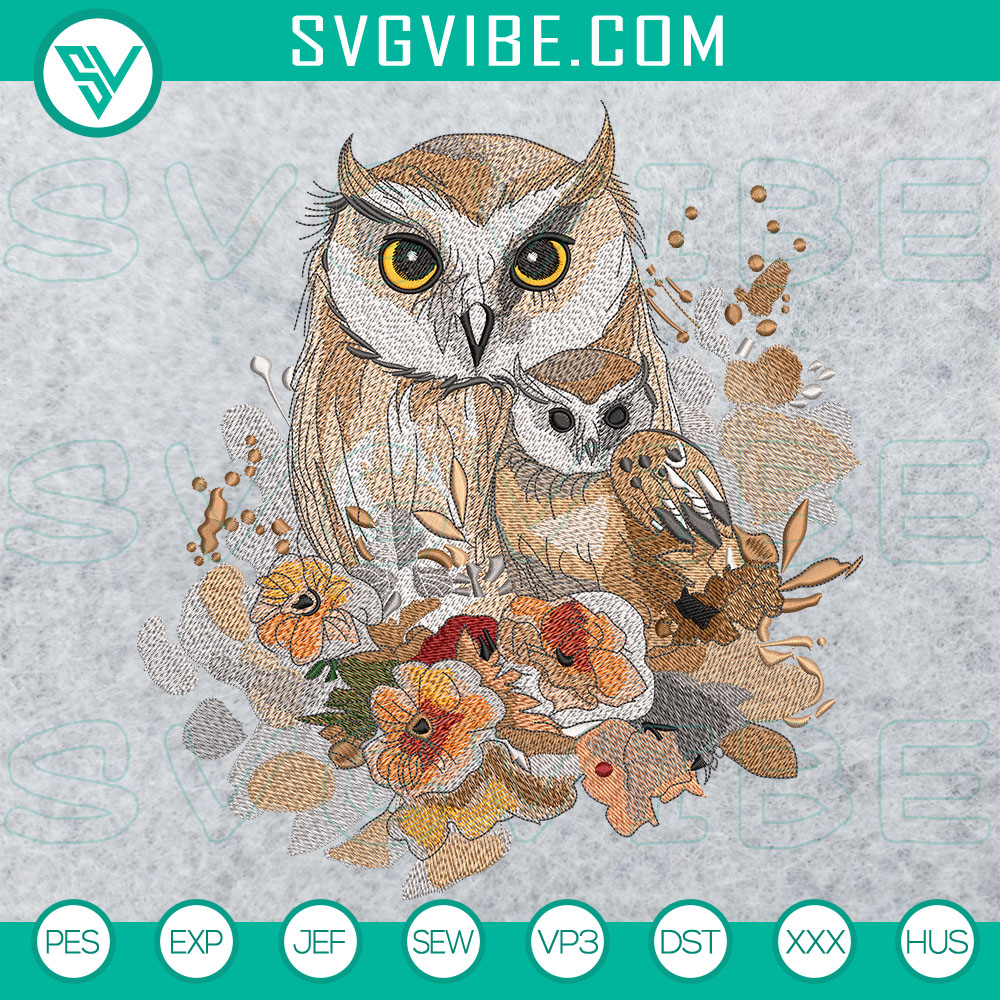
Browse machine embroidery designs for your next handmade gift, clothing project, or home accessory. Explore animal motifs, floral patterns, holiday designs, and more, with digital files to use on compatible embroidery machines. Pick a theme you love, then check the product page for the included file formats, design dimensions, and available sizes before you buy. From a woodland owl on a tote bag to flowers on a cushion cover, find a design that suits your project.
-46%
Explore Embroidery Designs by Theme
Start with the occasion or the person you are making for. These collections make it easier to find a motif for your next sewing project:
- Animal embroidery designs: Explore owls and other animal motifs for woodland projects, gifts for animal lovers, and fabric accessories.
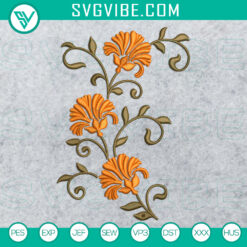
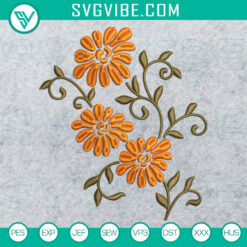
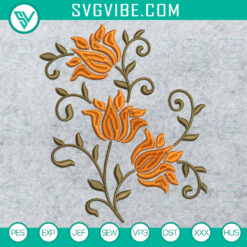
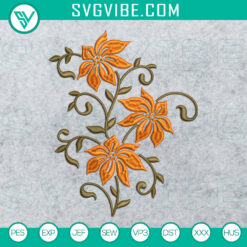
- Floral embroidery designs: Add a botanical detail to tote bags, cushion covers, and handmade gifts with flower patterns.
- Halloween embroidery designs: Browse ghosts, witches, and spooky motifs for seasonal clothing, treat bags, and October projects.
- Christmas embroidery designs: Find festive inspiration for holiday gifts, clothing, and decorations you can stitch ahead of the season.
- School embroidery designs: Explore school and graduation themes for keepsakes, celebration projects, and gifts marking a classroom milestone.
- Sports embroidery designs: Browse sports themes for game day projects and handmade gifts for the fan in your life.
Choose a Design That Fits Your Project
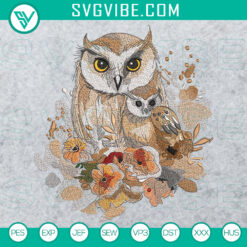
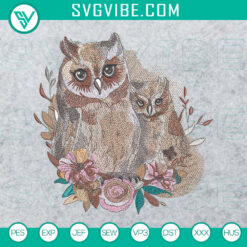
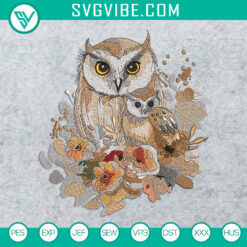
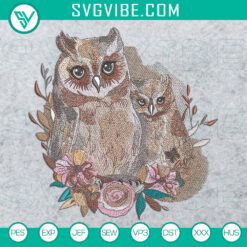
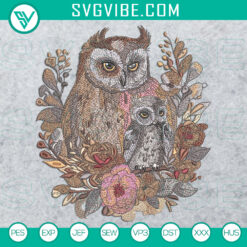
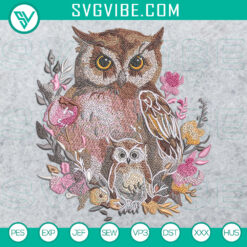
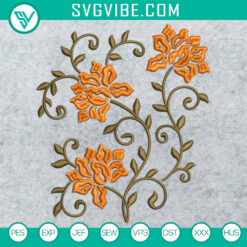
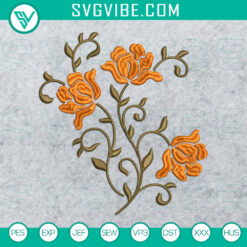
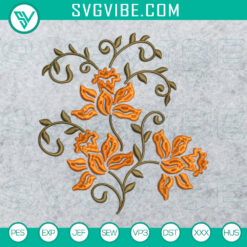
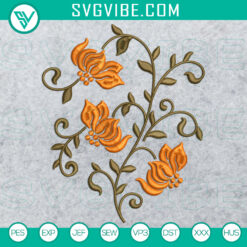
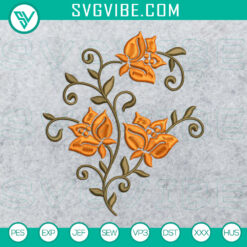
A detailed baby owl and a floral motif with fewer colors offer different starting points. Before adding a design to your cart, compare the product details with the item you plan to embroider.
- Design dimensions and hoop fit: Compare the design's width and height with your machine's usable embroidery area. When several sizes are included, choose one that fits your hoop and the space available on your project.
- Stitch count and color changes: Review the stitch count and thread information, where provided, to understand how much stitching and setup the design involves.
- Fabric and placement: Consider fabric weight, stretch, and where the stitching will sit. Choose a suitable stabilizer and test the design on a scrap of the same fabric before stitching your finished item.
Check the Embroidery File Formats
Some designs include formats such as PES, DST, EXP, JEF, VP3, HUS, and XXX. The exact files included vary by product, so check the individual listing and match the format to your specific embroidery machine model.
If a format you need is not listed, ask about that design before purchasing. Your machine's manual will also explain which formats it reads and how to transfer a downloaded design.
Embroidery Download FAQs
Will I receive a physical item?
These products are digital embroidery files. No finished garment, embroidered patch, fabric, thread, or other physical item is shipped with your purchase.
How do I download my embroidery designs?
After completing your purchase, access your files through the download link on the order confirmation page or the link sent to your registered email address. If your download comes in a ZIP archive, extract it before selecting the file for your machine.
Can I resize an embroidery design?
Use an included size that fits your project whenever possible. Resizing can change stitch density and the way details sew out, depending on the file and software used. If you edit the dimensions, check the result in compatible embroidery software and make a test sample before stitching your final piece.
Does every design include an editable EMB file?
Included formats vary. If you specifically need the Wilcom EMB source format for editing, check the product description or ask us before ordering. A machine file such as PES or DST does not mean an EMB source file is also included.
Need help checking a particular design? Contact SVGVibe with the product link, your embroidery machine model, and hoop size so we can help you review the details before you order.